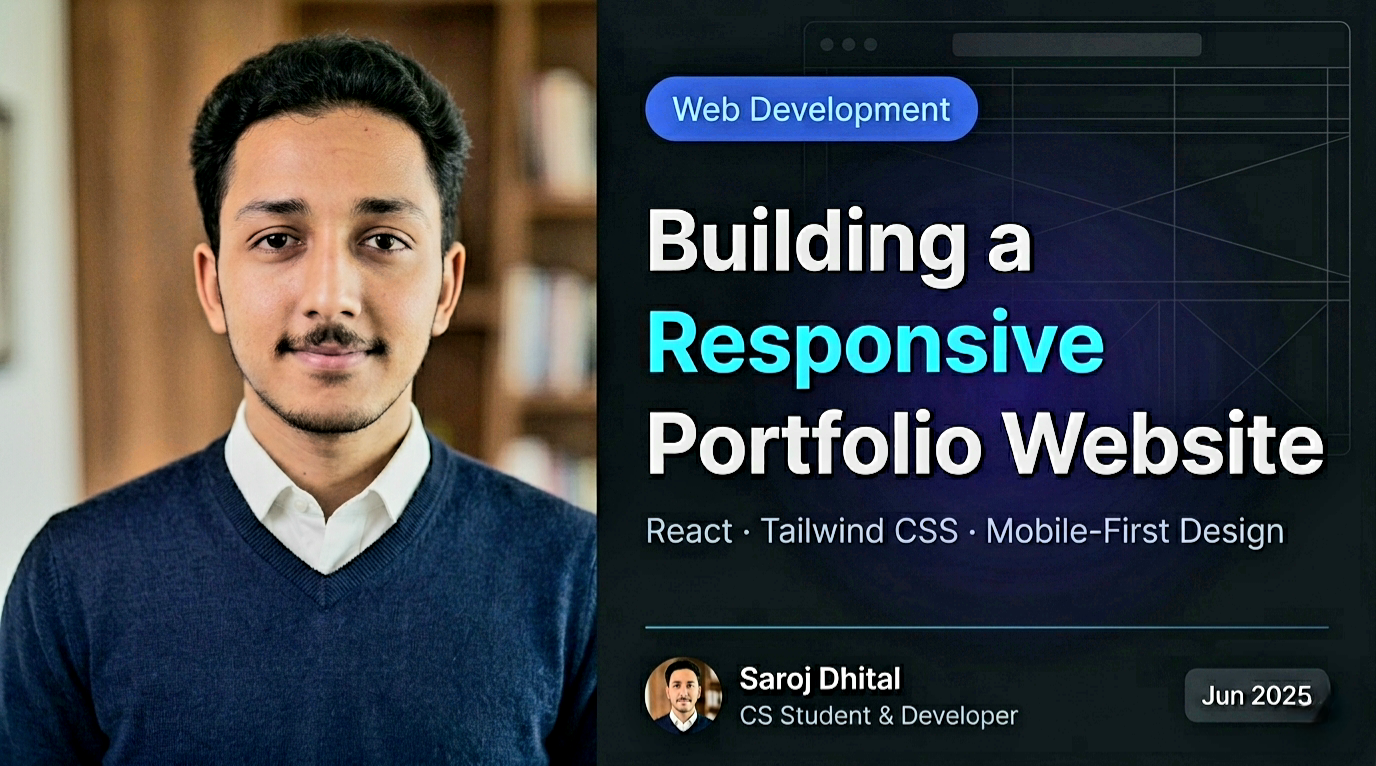

In today's digital world, a portfolio website is more than just a collection of projects. It is your professional identity on the web. Whether you are a developer, designer, or creative professional, your portfolio is often the first impression people have of your work.
This guide walks through the thought process, tools, and best practices behind building a modern, responsive portfolio website using React and Tailwind CSS.
Why a Portfolio Website Matters?
A portfolio is not just about showing what you have built. It reflects how you think, how you structure information, and how much attention you pay to user experience. A clean and responsive website signals professionalism, even before someone reads a single line of code.
With more than half of web traffic coming from mobile devices, a portfolio that does not adapt across screen sizes immediately loses credibility. Responsiveness is no longer optional. It is expected.
Understanding Responsive Design
Responsive design means creating layouts that adjust naturally to different screen sizes and orientations. This includes flexible grids, scalable images, and typography that remains readable on every device.
Instead of designing separately for mobile and desktop, responsive design focuses on a single fluid system that adapts gracefully. This approach leads to better maintainability and a consistent user experience.
Why React and Tailwind CSS?
React allows you to break your interface into reusable components. Each section of your portfolio, such as the hero, projects, or contact form, can be developed and maintained independently.
Tailwind CSS complements this approach with its utility-first styling system. Instead of managing large CSS files, you apply styles directly using small, predictable classes. This results in faster development and consistent design across the entire website.
Planning the Portfolio Structure
A well-structured portfolio tells a story. Visitors should immediately understand who you are, what you do, and where to find your work.
- Hero Section: A clear introduction with your name and role.
- Projects: Real work that demonstrates your skills.
- Skills & Certifications: Technologies and credentials that support your expertise.
- Blog: Thoughtful articles that show how you think.
- Contact: A simple way for people to reach you.
Optimizing Performance and Accessibility
Performance is a critical part of user experience. Optimized images, lazy-loading, and clean component structure reduce load times and improve usability, especially on mobile networks.
Accessibility is equally important. Using semantic HTML, proper color contrast, and descriptive text ensures your portfolio is usable by a wider audience and reflects professional development standards.
Deployment and Continuous Improvement
Platforms like Vercel make deployment seamless by integrating directly with GitHub. Every push to your main branch can automatically trigger a new deployment, keeping your site always up to date.
A portfolio is never truly finished. As your skills grow, your website should evolve with them. Regular updates show progress, consistency, and commitment to your craft.
Final Thoughts
Building a responsive portfolio website is an investment in your professional future. It showcases not only what you have built, but how you approach problem-solving and design.
Treat your portfolio as a living project. Improve it, refine it, and let it represent the best version of your work at every stage of your journey.